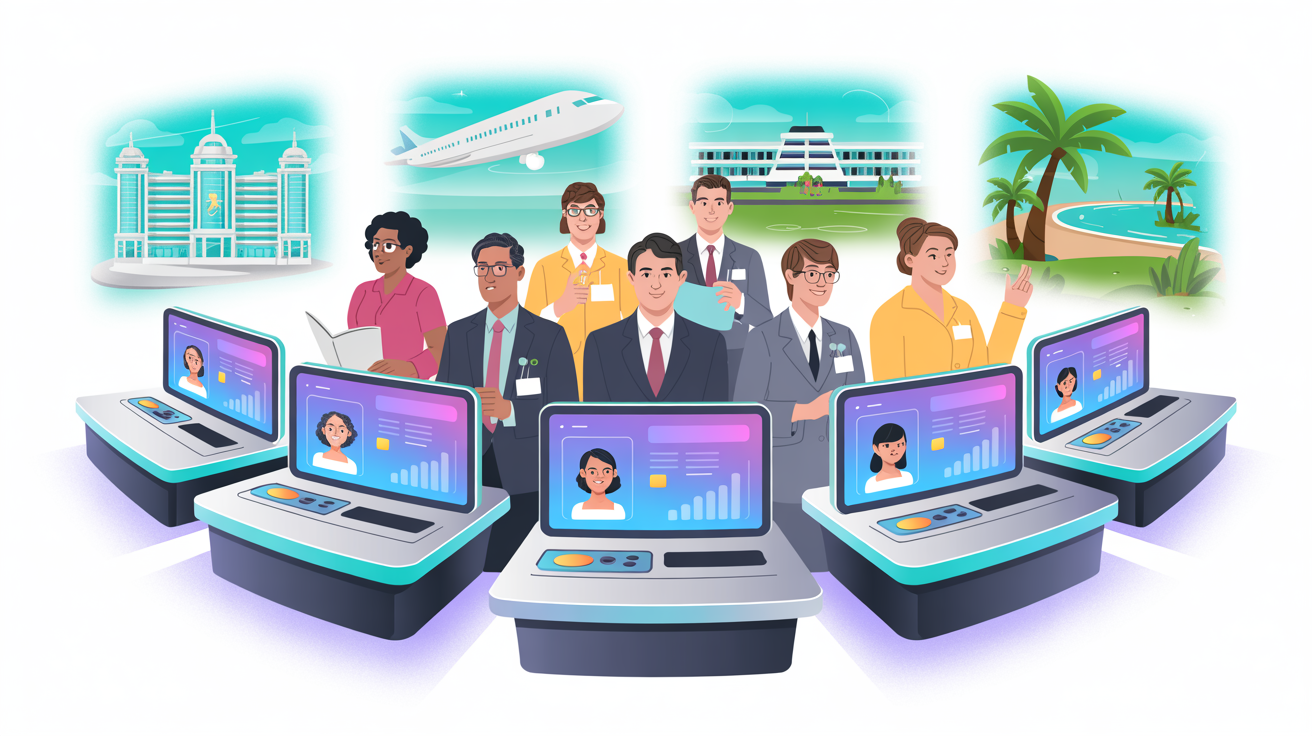
Tour operators produce beautiful brochures. Airlines create detailed product guides. Hotels publish comprehensive fact sheets. DMOs produce destination handbooks. This content represents thousands of hours of product knowledge — and most of it sits unread in email inboxes and desk drawers.
The problem isn't the information. It's the format. A 48-page brochure contains everything an agent needs to sell a product confidently. But no agent reads 48 pages. Research from Nielsen Norman Group confirms that people scan digital documents — they don't read them linearly. Training content must be structured for how people actually learn, not how marketing teams prefer to present.
Converting static content into interactive training doesn't require starting from scratch. It requires extracting the knowledge and restructuring it for learning.
Why Static Content Fails as Training
The Engagement Problem
| Content Format | Average Engagement | Knowledge Retention (1 week) |
|---|---|---|
| PDF brochure (emailed) | 5-10% read beyond page 3 | <10% of content |
| PowerPoint presentation | 20-30% attention sustained | 15-20% of content |
| Video walkthrough | 40-60% watch to completion | 20-30% of content |
| Interactive eLearning module | 75-90% completion | 60-70% of content |
| Interactive module + roleplay practice | 80-95% completion | 70-85% of content |
The same product information delivered through different formats produces dramatically different learning outcomes. A brochure that took £20,000 to produce achieves less agent knowledge than an interactive module that cost £200 to generate from that same brochure.
What Makes Content "Interactive"
Interactive training content is characterised by:
- Active participation: Learners do things, not just read things
- Knowledge checks: Questions throughout that test understanding
- Branching: Content that adapts based on learner responses
- Scenarios: "A customer asks..." situations requiring decisions
- Visual engagement: Images, diagrams, and multimedia — not walls of text
- Immediate feedback: Correct/incorrect responses with explanations
- Progress tracking: Learners see how far they've come and what's ahead
The Conversion Process
Step 1: Audit Your Existing Content
Before converting anything, audit what you have:
Content inventory:
- Product brochures (per destination, property, tour)
- Fact sheets and spec documents
- Selling guides and talking points
- Pricing documents and rate cards
- FAQs and common questions
- Agent training manuals (if any)
- Marketing presentations
- Webinar recordings
Quality assessment for each piece:
- Is the information current and accurate?
- Is it comprehensive enough for training?
- Does it contain unique insights agents can't find on your website?
- Who is the subject matter expert if questions arise?
Prioritisation: Rank content by business impact. The brochure for your highest-selling destination matters more than one for a niche product. Focus conversion on content that directly drives revenue.
Step 2: Extract the Learning Content
A 48-page brochure contains marketing copy, photography, design elements, and product information. Training needs the product information, extracted and restructured.
What to extract:
| Source Content | Training Content |
|---|---|
| Destination overview | Key selling points agents must communicate |
| Property descriptions | Room types, unique features, comparison points |
| Itinerary details | Day-by-day highlights, what makes this itinerary special |
| Pricing tables | How to read and quote pricing; upgrade paths |
| Customer testimonials | Proof points for overcoming objections |
| Practical information | Visa, health, transfers — what agents must tell customers |
| Unique differentiators | Why this product vs competitors |
| Photography | Visual reference for recommending with confidence |
What to leave behind: Marketing preamble, company history (unless it's a selling point), design layouts, terms and conditions (reference separately), repeated information across products.
Step 3: Structure for Learning
Transform extracted content into a learning structure:
Module structure (typical 15-20 minute module):
- Introduction (2 minutes): What you'll learn and why it matters for selling
- Core knowledge sections (8-12 minutes): 3-5 content sections, each covering a key topic
- Each section: 2-3 minutes of content + 1 knowledge check question
- Selling application (3-4 minutes): How to use this knowledge in customer conversations
- Common customer questions and ideal responses
- Objection handling scenarios
- Upselling and cross-selling opportunities
- Assessment (3 minutes): 5-10 scenario-based questions testing application
- Summary and certification: Key takeaways + certificate on successful completion
Step 4: Create Interactive Elements
Each content section should include at least one interactive element:
Knowledge checks: "A couple asks for a beach holiday in March with a budget of £3,000. Based on what you've learned, which of these resorts would you recommend and why?"
Drag-and-drop: "Match each room type to the guest profile it best suits" — connecting room categories to customer types.
Scenario branching: "A customer says 'That's more than I wanted to spend.' What do you say next?" — with different responses leading to different outcomes.
Visual comparison: "Compare the three resort tiers side-by-side. Which features differentiate the Premium tier?"
Selling practice: "Write a 2-sentence description of this destination that you could use in a customer email" — with AI evaluation of the response.
Step 5: Use AI to Accelerate
AI-powered platforms automate most of this process:
What AI handles:
- Content extraction: Upload the brochure PDF; AI identifies and extracts product information
- Structure generation: AI creates the learning structure with sections, learning objectives, and flow
- Question generation: AI creates scenario-based assessment questions from the content
- Key selling points: AI identifies the most important selling messages
- Formatting: AI produces the interactive module in the platform's native format
What humans refine:
- Accuracy check: Verify AI has extracted correct information
- Tone and personality: Add your brand voice and personality
- Insider knowledge: Add tips, personal recommendations, and experiential insights that aren't in the brochure
- Priority adjustment: Emphasise what matters most for your specific agent audience
- Approval: Final review before publishing
Time comparison:
| Step | Manual Process | AI-Assisted Process |
|---|---|---|
| Content extraction | 4-6 hours | 5 minutes |
| Structure creation | 2-3 hours | Automatic |
| Question writing | 3-4 hours | 10 minutes (review) |
| Interactive elements | 4-8 hours | 30 minutes (customise) |
| Review and refinement | 2-3 hours | 1-2 hours |
| Total | 15-24 hours | 2-3 hours |
A process that took 3-4 days now takes half a day — and produces consistently higher-quality output because AI applies learning science principles that most content creators aren't trained in.
Best Practices for Conversion
Do: Focus on Selling Application
The goal isn't transferring brochure content to a screen. It's equipping agents to sell the product confidently. Every piece of content should connect to a selling situation:
- "When a customer asks about..." — connect knowledge to customer questions
- "The key difference between this and competitors is..." — arm agents with differentiation
- "The best upsell opportunity is..." — drive revenue through knowledge
Do: Include Visual Content
Use the brochure's photography in training. Images trigger emotional responses that text alone doesn't. An agent who's seen stunning images of a property sells it with more enthusiasm and conviction.
Do: Create Assessment Questions That Test Application
Bad question: "How many rooms does the resort have?" Good question: "A family of five asks about the resort. Which room configuration would you recommend and why?"
AI assessments should test whether agents can apply knowledge in selling scenarios, not whether they memorised facts.
Don't: Convert Everything at Once
Start with your top 10-20 products. Convert, test with a pilot group, refine the process, then scale. Phocuswright data shows that travel businesses with 20 well-designed modules outperform those with 200 mediocre ones.
Don't: Replicate the Brochure Layout
A brochure is designed for browsing. Training is designed for learning. Different purposes require different structures. Resist the temptation to "put the brochure online" — restructure for learning outcomes.
Don't: Forget Updates
Convert brochure content into modules that can be updated independently. When a hotel renovates its spa, you should update the spa section without rebuilding the entire module. AI platforms make this possible with modular content architecture.
Measuring Conversion Impact
| Metric | Before Conversion | After Conversion | Target |
|---|---|---|---|
| Agent product knowledge score | Unmeasured (assumed) | Measurable via assessment | >80% |
| Content engagement rate | 5-10% (PDF opens) | 75-90% (module completion) | >80% |
| Sales for trained products | Baseline | Track uplift post-training | +15-30% |
| Agent confidence selling product | Low/variable | Measurable via coaching | >4/5 |
| Support queries about product | High (compensating for low knowledge) | Reduced | -40% |
The shift from static to interactive content typically produces a 15-30% increase in sales for trained products within 90 days — because agents finally have the knowledge and confidence to recommend with conviction.
Convert your brochures to interactive training with TravAI →
This article is part of our eLearning & Interactive Content series. Related reading: